Stay safe online, without the jargon.
Clear, practical guides on malware, scams, passwords, privacy and network security. Written so anyone can act on them today.
- Threats & Malware
- Privacy & VPNs
- Passwords & Authentication
- Network & Cloud Security
- Scams & Fraud
- Home & Device Security

CVE and CVSS Explained: How Vulnerabilities Are Tracked and Scored
Browse by topic
Top guides right now



Five security wins you can do today
- Turn on 2FAStart with email and banking. Prefer an authenticator app or passkey over SMS.
- Use a password managerUnique, long passwords everywhere, and only one to remember.
- Update everythingPhone, laptop, router. Enable automatic updates wherever you can.
- Back up your dataKeep a copy offline or in a separate account, and test restoring it.
- Slow down on linksUrgent message? Open the official site yourself instead of clicking.
Latest from the blog

Home Office Security Setup: 12 Steps to Protect Remote Work
Working from home creates new risks. Use this setup guide for network, device, privacy and physical security in a home office.

How to Report Fraud and Scams: Who to Contact and What to Include
Knowing where to report fraud helps stop scammers and may help recover losses. Learn who to contact and what evidence to prepare.

VPN Leaks Explained: DNS, WebRTC, IPv6 and the Kill Switch
A VPN can leak your real IP through DNS, WebRTC or IPv6, or when the tunnel drops. Learn how to test for leaks and fix them.

Small Business Network Security: A 10-Step Setup Guide
Secure a small office network without a big team: firewall, segmentation, Wi-Fi, patching, backups, access control and monitoring in ten steps.
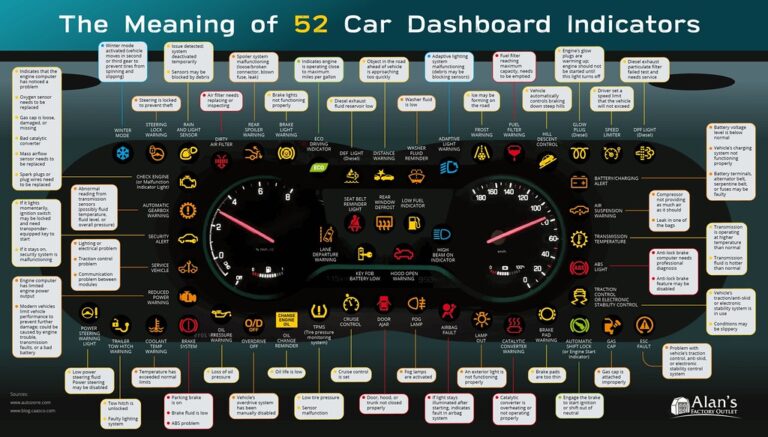
Connected Car Privacy: What Your Car Collects
Modern cars collect location, driving and phone data. Learn what is collected, how to limit it and how to protect a connected vehicle.

Malicious Browser Extensions: Risks and How to Vet Them
Extensions can read what you browse and type. Learn how malicious ones work, how to check permissions, and how to audit what you have installed.

Scammed? 10 Steps to Take Right Away to Limit the Damage
Realized you have been scammed? These ten steps help you stop further loss, secure your accounts and begin to recover.

How to Share Passwords Safely With Family Members
Texting passwords is risky. Learn safer ways to share streaming, bills, and household logins, plus how to plan for emergencies.