Home Office Security Setup: 12 Steps to Protect Remote Work
Working from home creates new risks. Use this setup guide for network, device, privacy and physical security in a home office.
Working from home creates new risks. Use this setup guide for network, device, privacy and physical security in a home office.
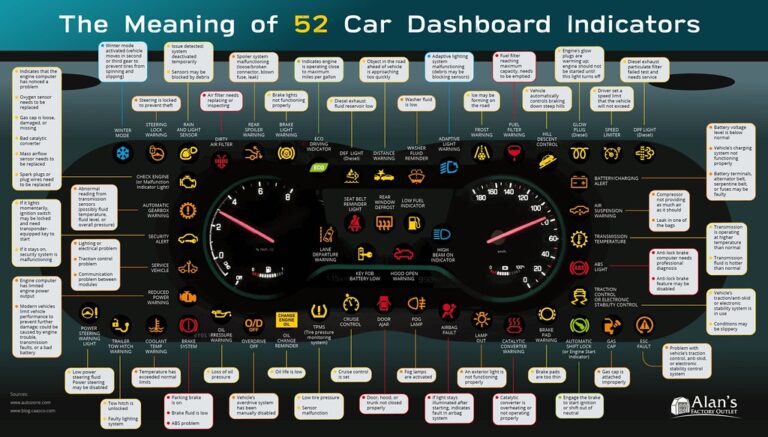
Modern cars collect location, driving and phone data. Learn what is collected, how to limit it and how to protect a connected vehicle.
Smart TVs collect viewing data and may use microphones and cameras. Learn which settings to change to reduce tracking.
Before you sell, trade in or recycle a device, wipe it properly. Learn the steps for phones, laptops, tablets and smart gadgets.
The 3-2-1 backup rule keeps your files safe from failure, theft and ransomware. Learn how it works and how to set it up at home.
Updates fix security flaws attackers actively use. Learn why they matter, how to automate them and what to do with devices that stop getting them.
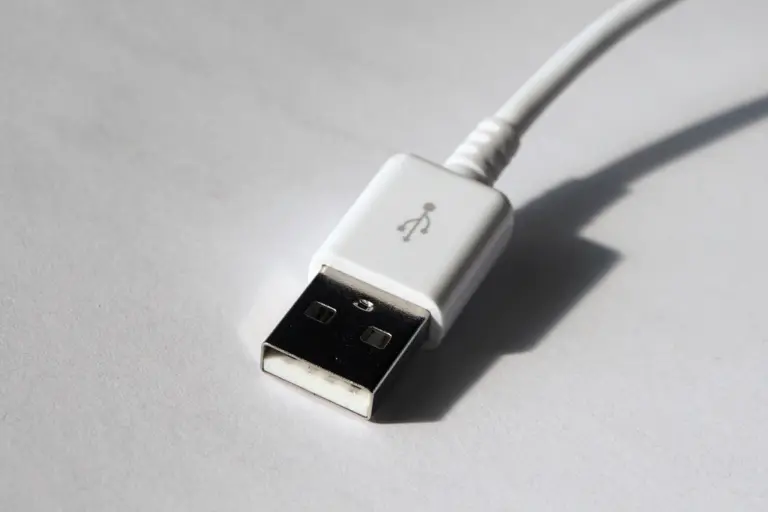
Public USB ports and unknown cables can carry risks. Learn what juice jacking is, how real it is, and how to charge safely on the go.
Is public Wi-Fi safe? Learn the real risks, which habits protect you, and what to do before connecting at a cafe, hotel or airport.
Is third-party antivirus worth it? Learn what built-in protection does, who benefits from extra tools, and what really keeps devices safe.
Go through the iPhone settings that protect your data, from passcode and updates to Lock Screen, privacy controls and Find My.