How to Create a Passphrase With Dice (Diceware Method)
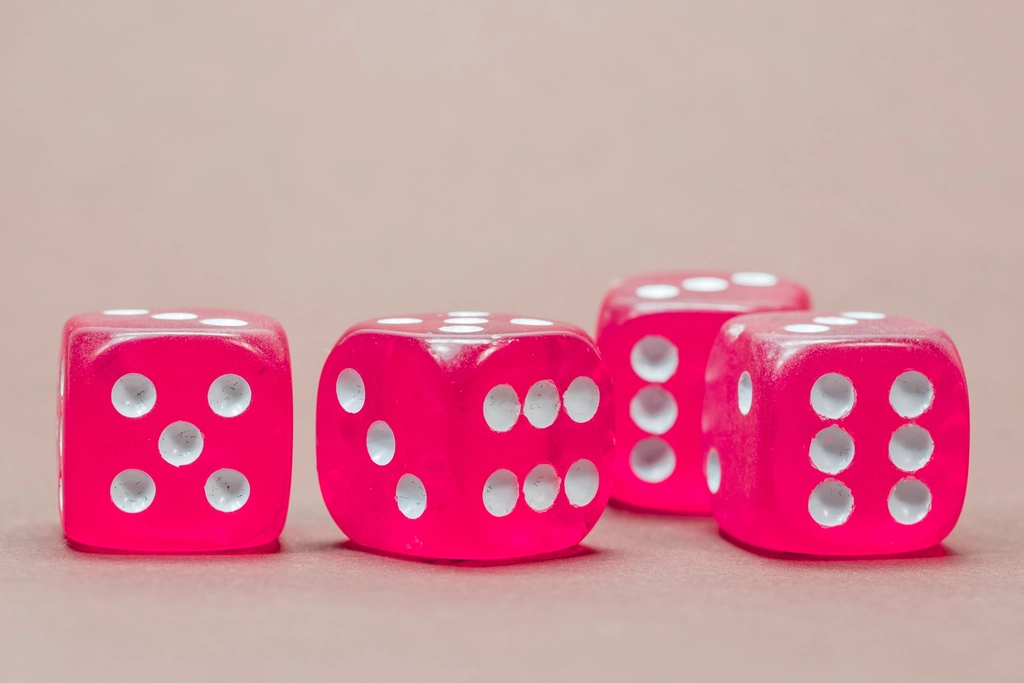
To create a strong passphrase, roll physical dice, look up each roll in a numbered word list, and string the resulting words together. Because chance picks the words, nobody can predict them, including you.
This method, known as diceware, is a reliable way to produce a master password you can actually remember.
Why use dice at all?
People are bad at randomness. If you try to invent a random phrase, you gravitate toward familiar words, personal references, and tidy patterns. Computers can generate randomness well, but for your single most important password some people prefer a method with no software involved. Dice are simple, offline, and easy to audit.
What you need
- Five standard six-sided dice, or one die rolled five times per word.
- A diceware-style word list. These lists number each word with a five-digit code made of digits one to six.
- Pen and paper.
Obtain the word list from a source you trust, and print it or view it offline if possible.
The method, step by step
- Roll the die five times and write the digits in order, for example 3-1-4-2-5.
- Find that five-digit number in the word list and write down the matching word.
- Repeat until you have the number of words you want.
- Join the words, with spaces or hyphens if the service allows.
Do not reroll because you dislike a word. Rerolling for aesthetics reduces randomness. Only reroll if a roll produces a number not on the list.
How many words do you need?
Each word adds a fixed amount of unpredictability, and the total grows quickly with every word:
- Four words: reasonable for lower-risk uses.
- Five words: a good everyday standard for a master password.
- Six or more words: suitable for very sensitive or long-lived secrets, such as an encryption passphrase that protects data for years.
When in doubt, add a word. The cost is a few extra seconds of typing.
Making it memorable
Random words are easier to recall than random characters, especially with a trick:
- Create a short, vivid, silly story that links the words in order.
- Visualize each word as an image placed in a familiar room.
- Type it several times a day for the first week.
- Practice recalling it without looking after a day, then after three days.
Keep the written copy at home in a safe place until you know it well, then destroy it or store it somewhere secure, separate from your devices.
Pitfalls to avoid
- Choosing words yourself after seeing the list. That kills randomness.
- Using an online dice roller you do not trust, or screenshots that sync to the cloud.
- Using the passphrase for more than one purpose. Each important secret needs its own.
- Saving the written copy next to your computer or in a cloud note.
- Changing words to include a name or date you like.
When not to use diceware
You do not need dice for every account. If a password manager stores the password, let the manager generate a long random string. Diceware is best for what you must remember: the manager’s master password, a disk-encryption passphrase, or a device login.
Checking your result
After generating the passphrase, read it aloud once and confirm that nothing about it is a known phrase, a quote, or a name tied to you. If the words happen to form a sensible sentence, that is fine as long as dice picked them. Then test it: type it into the field where you plan to use it, lock the vault or device, and unlock it from memory the next day.
Storing a backup responsibly
Memory can fail, so a backup is reasonable for a master password. Write it by hand, keep it in a locked drawer or a home safe, and consider giving a sealed copy to a trusted person or a safe deposit location. Do not photograph it, email it, or save it in a cloud document. The goal is that a burglar needs physical access and effort, while you can still recover if you forget.
Using the passphrase well
Once you have your phrase, use it for exactly one job, such as unlocking your password manager. Enter it only into the real app or device prompt, never into a web page that asks for it by email or message. If you ever suspect it has been seen, generate a brand new one with fresh dice rolls rather than modifying the old one. Treat it like a house key: keep it close, do not copy it carelessly, and replace the lock if it is lost.
Frequently asked questions
Is software-generated passphrase creation less safe than dice?
Not necessarily. A reputable generator using proper randomness works well. Dice simply remove the need to trust software for that one critical secret.
Do I have to add symbols or numbers?
Not if the passphrase is long enough. If a site demands them, add them, but the words provide the real strength.
Can I use a different language word list?
Yes, lists exist in various languages. Pick one with a large, well-defined word list so the randomness stays high.
Key takeaways
- Dice remove human bias and produce truly random words.
- Use at least five words for your most important secret.
- Never reroll for convenience, and never reuse the result.
- Memorize it with a story and store any written copy offline.