Tech Support Scams: Warning Signs and What to Do If You Fell for One
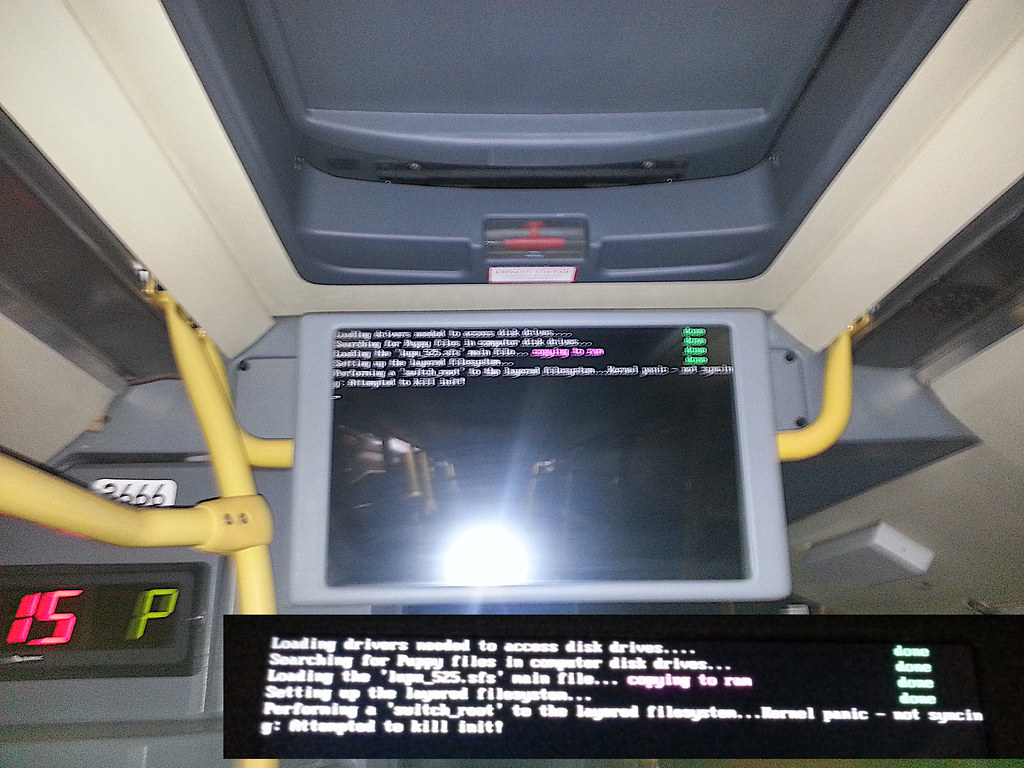
A tech support scam is a fake warning, call or message claiming your device is infected or your account is compromised, followed by a request for payment or remote access. Legitimate companies do not cold-call you about viruses or use frightening full-screen pop-ups with a phone number.
The three common versions
These scams come in different packages but share one goal: to get you to contact them or let them in.
- The pop-up alarm. A browser page fills the screen with sirens, flashing warnings and a phone number. It may claim to be from a well-known software company and block you from closing the window.
- The cold call. A caller claims to monitor your internet connection or says your computer has been sending error reports.
- The fake refund or subscription. A message says you have been charged for a service and should call to cancel. When you call, they ask for remote access to “process the refund”.
In each version, the technical-sounding language is just decoration. The real aim is to move you onto the phone or into a remote session where they control the conversation.
What the scammer actually does
Once connected, the scammer may show you harmless system logs and claim they are proof of infection. They may then charge for “cleaning”, sell a pointless support plan, or ask you to log in to your bank to receive a refund while they hide your screen. Some install real malware or leave remote-access software so they can return later.
The refund scam often ends with a trick: the scammer “accidentally” credits too much and asks you to send the excess back. In fact, they moved money between your own accounts to make it look like a deposit.
Warning signs
- A pop-up or call you did not request.
- A phone number displayed inside a warning message.
- A claim that your device is “infected” without a scan from your own security software.
- Urgent language, countdowns or threats of data loss.
- A request for remote access, gift cards, cryptocurrency or wire transfers.
- Instructions to avoid contacting your bank or family.
What to do when a pop-up appears
- Do not call the number or click anything inside the window.
- Try to close the browser tab. If it will not close, use the task manager or force-quit option, or restart the device.
- If the browser reopens the page, choose not to restore the previous session.
- Clear recent browsing data and review any new extensions you do not recognize.
- Run a scan with your installed security tool.
If you let someone in or paid
Move quickly through these steps, starting with the most urgent:
- Disconnect the device from the internet and shut down the remote session.
- Uninstall any remote-access tool you were asked to install and check for unfamiliar programs.
- Contact your bank or card issuer, tell them what happened and ask them to block payments and replace cards.
- Change passwords for email, banking and other important accounts from a different, clean device.
- Turn on multi-factor authentication where possible.
- Run a full scan, or consider a reputable professional or a clean reinstall if you are unsure.
- Report the scam to the relevant authorities and warn people close to you.
Be aware that victims are often contacted again by someone offering to “recover” lost money for a fee. That is a second scam, so ignore it.
How to know who to trust for technical help
If you do need help, choose the route yourself. Use the support page of the company that made your device or software, found by typing its address, or visit a local repair shop you can walk into. Be skeptical of search ads for “support numbers”, since scammers pay for these placements and imitate real brands. When you contact support, you start the conversation, so you know who you are talking to.
A genuine technician will explain what they are doing in plain language, will not demand unusual payment methods and will not ask you to hide the situation from your bank. Remote access is sometimes legitimate, but only when you initiated the session, understand why it is needed and can end it at any time.
Helping family members
Older relatives and less technical friends are frequent targets. Give them a simple rule: if a screen or a caller tells you to phone a number or let someone in, stop and call a trusted person first. Writing the rule on a card near the computer can help.
Frequently asked questions
Can a website really lock my computer?
A page can fill your screen and make closing it awkward, but it cannot truly lock your device. Closing the browser or restarting usually clears it.
How do I know if remote access software is still installed?
Check your installed programs and running processes for unfamiliar remote-control tools. If in doubt, ask a trusted professional or reset the device.
Why do scammers want gift cards?
Gift card codes are hard to trace and cannot easily be reversed. Any request to pay with them is a strong warning sign.
Key takeaways
- Pop-ups and cold calls about viruses are not genuine alerts.
- Never call numbers shown in warning pages or give remote access to strangers.
- Contact your bank immediately and change passwords from a clean device.
- Beware of follow-up scams that promise to recover your money.