Essential Cybersecurity Practices for Small Businesses in 2026
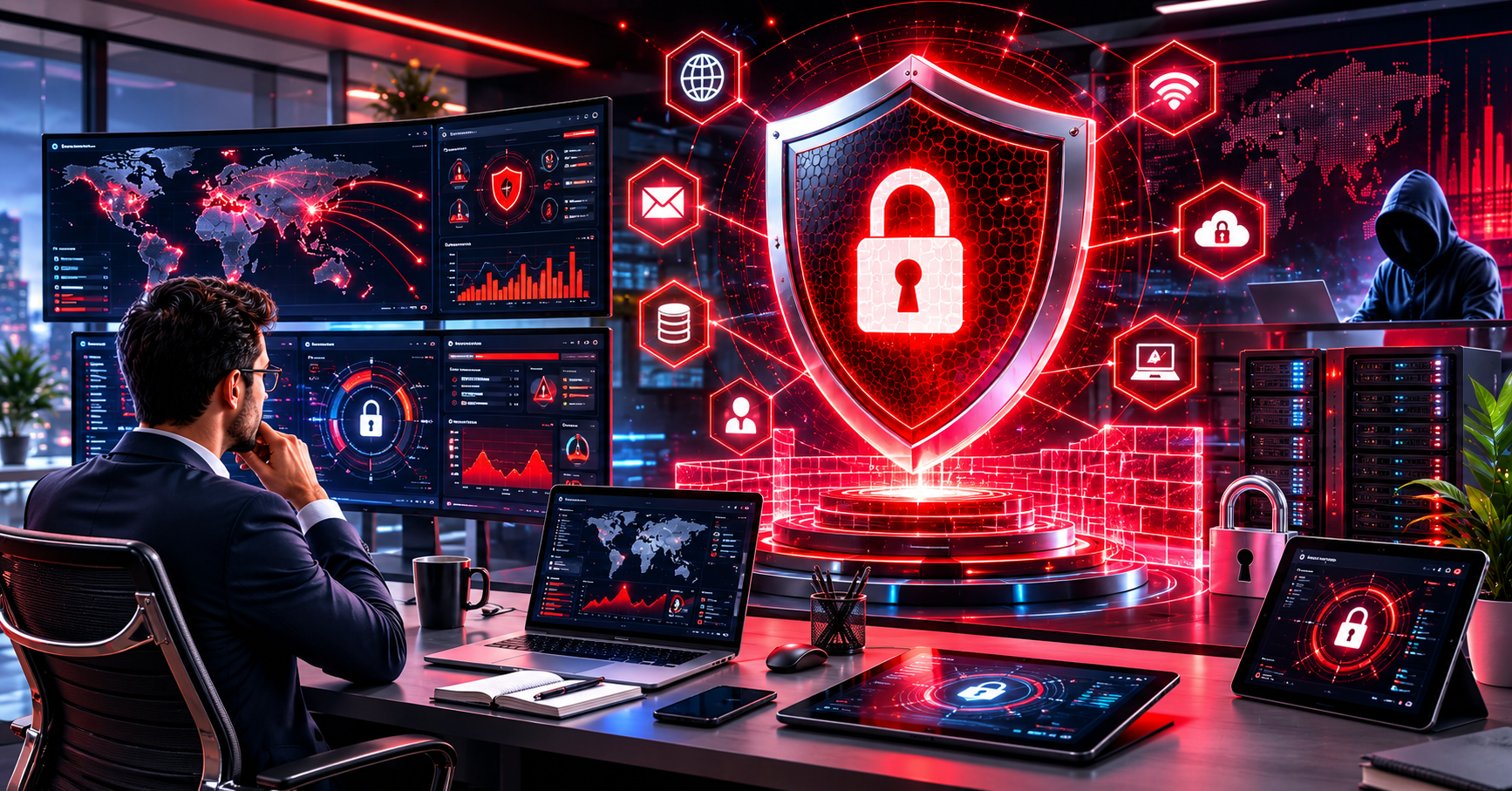
Cybersecurity has become one of the most important priorities for organizations of every size. While large corporations often receive attention when cyberattacks occur, small businesses are increasingly becoming targets for cybercriminals. Limited security resources, smaller IT teams, and insufficient protection measures often make smaller organizations attractive targets.
Implementing effective cybersecurity practices for small businesses is no longer optional in 2026. Protecting sensitive data, maintaining customer trust, and ensuring business continuity all depend on strong cybersecurity strategies.
This guide explores the most important cybersecurity practices every small business should adopt to defend against modern cyber threats.
Why Cybersecurity Matters for Small Businesses
Many business owners assume cybercriminals primarily target large enterprises. However, attackers frequently focus on smaller organizations because they often have weaker security defenses.
A successful cyberattack can result in:
- Financial losses
- Data breaches
- Business disruption
- Reputation damage
- Legal consequences
- Customer trust issues
Even a single security incident can significantly impact a small business. Investing in cybersecurity protection helps reduce risks and improve long-term stability.
Use Strong Password Policies
Passwords remain one of the most common attack points.
Businesses should require employees to create strong passwords that include:
- Uppercase letters
- Lowercase letters
- Numbers
- Special characters
- Sufficient length
Avoid using:
- Common words
- Personal information
- Repeated passwords
- Predictable patterns
Strong password management is one of the simplest yet most effective cybersecurity practices for small businesses.
Enable Multi-Factor Authentication
Multi-factor authentication adds an additional security layer beyond passwords.
Users must verify their identity through:
- Authentication apps
- Security keys
- SMS verification
- Email verification
Even if passwords become compromised, multi-factor authentication helps prevent unauthorized access.
Businesses should enable this feature for:
- Email accounts
- Cloud services
- Financial systems
- Administrative accounts
- Website management platforms
Keep Software Updated
Outdated software creates security vulnerabilities that attackers can exploit.
Regular updates help patch known security flaws and improve protection.
Businesses should update:
- Operating systems
- Web browsers
- Website platforms
- Plugins and extensions
- Security software
- Business applications
Automated updates can reduce the risk of missed security patches.
Train Employees on Cybersecurity Awareness
Human error remains one of the leading causes of security incidents.
Employee training should cover:
- Phishing awareness
- Password security
- Social engineering attacks
- Safe internet usage
- Data handling procedures
- Email security
Regular cybersecurity education helps employees recognize threats before they become major problems.
Protect Against Phishing Attacks
Phishing attacks continue to evolve and remain highly effective.
Attackers often impersonate trusted organizations to steal:
- Login credentials
- Financial information
- Customer data
- Sensitive business information
Signs of phishing emails include:
- Urgent requests
- Suspicious links
- Unexpected attachments
- Grammar mistakes
- Fake sender addresses
Businesses should encourage employees to verify suspicious communications before responding.
Secure Business Networks
Network security is critical for protecting business systems.
Recommended measures include:
Use Strong Wi-Fi Security
Configure wireless networks with strong encryption and secure passwords.
Separate Guest Networks
Guest users should not have access to internal business systems.
Change Default Credentials
Routers and networking equipment should never use factory-default login information.
Monitor Network Activity
Regular monitoring helps identify unusual behavior and potential threats.
These measures strengthen overall network protection.
Implement Endpoint Security
Every connected device represents a potential entry point for attackers.
Endpoint security should cover:
- Computers
- Laptops
- Smartphones
- Tablets
- Remote work devices
Security solutions often include:
- Antivirus software
- Anti-malware protection
- Threat monitoring
- Device management
Comprehensive endpoint protection reduces the risk of infections and unauthorized access.
Back Up Critical Data Regularly
Data backups are essential for business continuity.
Backups help organizations recover from:
- Hardware failures
- Ransomware attacks
- Human errors
- Natural disasters
- System corruption
Follow the 3-2-1 backup strategy:
- Three copies of data
- Two different storage types
- One offsite backup
Regular testing ensures backups remain functional when needed.
Use Firewalls and Security Software
Firewalls help filter incoming and outgoing traffic.
They provide protection against:
- Unauthorized access attempts
- Malware communication
- Network attacks
- Suspicious traffic
Businesses should combine firewalls with:
- Antivirus solutions
- Anti-malware software
- Threat detection tools
- Email security systems
Layered security provides stronger protection against evolving threats.
Secure Business Websites
A company website often serves as a public entry point for attackers.
Website security measures should include:
- SSL certificates
- Secure hosting
- Regular updates
- Malware scanning
- Security monitoring
- Access controls
Strong website security protects customer information and business reputation.
Control User Access
Not every employee requires access to every system.
Role-based access controls help:
- Limit security risks
- Protect sensitive data
- Reduce insider threats
- Improve accountability
Businesses should regularly review account permissions and remove unnecessary access privileges.
Develop an Incident Response Plan
No security system is perfect.
An incident response plan helps businesses respond quickly when problems occur.
Plans should define:
- Response procedures
- Communication protocols
- Recovery processes
- Team responsibilities
- External contacts
Prepared organizations often recover faster from cyber incidents.
Monitor Emerging Cyber Threats
Cybersecurity is constantly evolving.
Businesses should stay informed about:
- New malware threats
- Ransomware trends
- Data breach techniques
- Security vulnerabilities
- Regulatory changes
Continuous awareness improves preparedness and strengthens security strategies.
You can also learn more about cybersecurity best practices to enhance your organization’s security posture.
Learn more about cybersecurity best practices