Website Security Checklist for 2026
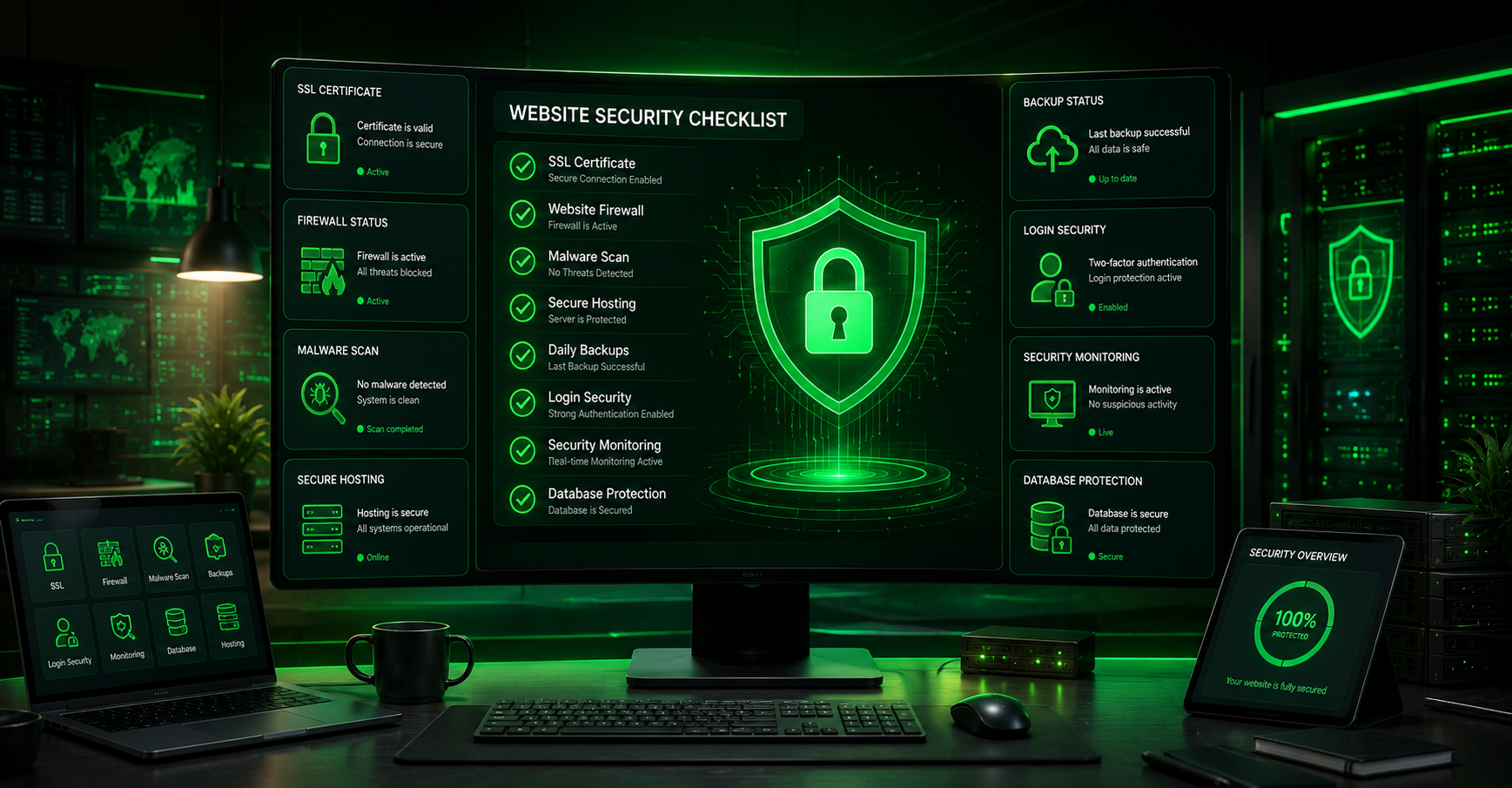
Website security has become more important than ever. As cyber threats continue to evolve, website owners must take proactive steps to protect their online assets, customer data, and business reputation. Whether you manage a business website, eCommerce store, blog, or corporate portal, security should be a top priority.
A single vulnerability can expose sensitive information, disrupt operations, and result in significant financial losses. Following a comprehensive website security checklist helps reduce risks and strengthen your website’s defenses against modern cyber threats.
This guide covers the most important website security measures every website owner should implement in 2026.
Why Website Security Matters
Websites face numerous threats every day, including:
- Malware attacks
- Data breaches
- Phishing attempts
- DDoS attacks
- Credential theft
- Website defacement
Cybercriminals often target websites with weak security configurations because they are easier to exploit.
Strong website security helps:
- Protect customer information
- Maintain website availability
- Preserve business reputation
- Improve user trust
- Support regulatory compliance
Implementing a proper website security checklist can significantly reduce these risks.
Install an SSL Certificate
An SSL certificate encrypts data transmitted between users and your website.
Benefits include:
- Secure data transfer
- Improved visitor trust
- Better search engine rankings
- Protection against data interception
Websites should always use HTTPS instead of HTTP. Modern browsers often warn visitors when websites do not use SSL encryption.
Keep Software Updated
Outdated software remains one of the most common causes of website compromises.
Regularly update:
- Content management systems
- Themes
- Plugins
- Extensions
- Server software
Software updates frequently include security patches that address known vulnerabilities.
Automating updates where appropriate can improve security and reduce administrative workloads.
Use Strong Password Policies
Weak passwords make it easier for attackers to gain unauthorized access.
Password best practices include:
- Long passwords
- Unique passwords
- Mixed character types
- Password managers
- Regular password reviews
Administrative accounts should always use strong credentials.
Enable Multi-Factor Authentication
Multi-factor authentication adds an extra layer of protection.
Users must verify their identity using an additional factor such as:
- Authentication apps
- Security keys
- Email verification
- SMS codes
Even if login credentials become compromised, multi-factor authentication can help prevent unauthorized access.
Secure User Accounts
User account security is a critical component of any website security checklist.
Recommendations include:
- Remove inactive accounts
- Limit administrative privileges
- Use role-based permissions
- Monitor login activity
- Enforce password policies
Reducing unnecessary access lowers security risks.
Perform Regular Backups
Backups provide protection against:
- Cyberattacks
- Accidental deletion
- Server failures
- Malware infections
- Data corruption
Best practices include:
- Automated backups
- Offsite storage
- Multiple backup copies
- Backup testing
Reliable backups allow websites to recover quickly after incidents.
Install a Website Firewall
A website firewall helps block malicious traffic before it reaches your website.
Benefits include:
- Protection against attacks
- Reduced bot activity
- Improved threat detection
- Enhanced security monitoring
Firewalls serve as an important defense layer for modern websites.
Scan for Malware Frequently
Malware can damage websites, steal data, and harm visitors.
Regular malware scanning helps identify:
- Malicious files
- Unauthorized modifications
- Backdoors
- Suspicious code
Early detection allows website owners to respond quickly before problems escalate.
Protect Against Brute Force Attacks
Brute force attacks attempt to guess login credentials through repeated attempts.
Protection methods include:
- Login attempt limits
- CAPTCHA systems
- Multi-factor authentication
- IP blocking
- Login monitoring
These measures help reduce unauthorized login attempts.
Secure Hosting Environment
Website security depends heavily on hosting quality.
Look for hosting providers that offer:
- Security monitoring
- DDoS protection
- Malware scanning
- Automatic backups
- Secure infrastructure
Reliable hosting contributes significantly to overall website protection.
Monitor Website Activity
Continuous monitoring helps identify unusual behavior.
Monitor:
- Login activity
- File changes
- Traffic patterns
- Server performance
- Security alerts
Early detection improves response times and reduces potential damage.
Protect Against DDoS Attacks
Distributed Denial-of-Service attacks attempt to overwhelm websites with traffic.
Protection strategies include:
- DDoS mitigation services
- Content delivery networks
- Traffic filtering
- Load balancing
These measures improve website availability during attack attempts.
Secure Databases
Databases often store sensitive customer and business information.
Security recommendations include:
- Strong database passwords
- Limited access permissions
- Encryption
- Regular updates
- Activity monitoring
Database protection is essential for preventing data breaches.
Review Security Logs
Security logs provide valuable information about website activity.
Review logs regularly to identify:
- Failed login attempts
- Suspicious IP addresses
- Unauthorized access attempts
- Malware indicators
- Configuration changes
Analyzing logs helps strengthen website security over time.
Implement Security Headers
Security headers help browsers protect websites from common attacks.
Examples include:
- Content Security Policy
- X-Frame-Options
- X-Content-Type-Options
- Referrer Policy
Proper header configuration improves overall website protection.
Conduct Security Audits
Regular security audits help identify weaknesses before attackers do.
Audits should evaluate:
- Access controls
- Software versions
- Security configurations
- Vulnerabilities
- Compliance requirements
Routine assessments help maintain strong security standards.
Stay Informed About Emerging Threats
Cybersecurity changes rapidly.
Website owners should stay informed about:
- New vulnerabilities
- Attack methods
- Security best practices
- Industry developments
Continuous learning supports long-term website protection.
You can also learn more about common website security risks and strengthen your website’s defenses against evolving threats.
Learn more about common website security risks